
How to Use AI on Your Phone for Free: No Internet, No Subscription, No Data Shared
Google's AI Edge Gallery app lets you run AI models directly on your phone, completely offline and for free. Here's what it does, how to set it up, and what you should know before trying it.
- gemma
- on-device ai
- free ai tools
- offline ai
- privacy
Google has released a free app enabling users to operate artificial intelligence models directly on their devices without internet connectivity, paid plans, or external data transmission.
The application, known as Google AI Edge Gallery, debuted in May 2025 and recently underwent significant updates introducing Gemma 4 compatibility alongside simultaneous Android and iOS availability. The productivity category ranking reached #8 shortly after this expansion.
Core Functionality
The platform enables local model deployment, ensuring all processing — prompts, images, and audio — remains device-bound:
→ AI Chat: Conversational interface comparable to ChatGPT, featuring "Thinking Mode" transparency
→ Ask Image: Photograph analysis for object recognition, text extraction, and descriptions
→ Audio Scribe: Real-time transcription and translation capabilities
→ Agent Skills: Tool integration including Wikipedia and interactive mapping for multi-step offline operations
→ Prompt Lab: Single-turn utility for text summarization, content revision, and code generation
Installation Instructions
- Access Google Play Store or Apple App Store
- Search "Google AI Edge Gallery"
- Install the application
- Select a model — Gemma 4 E2B (approximately 2.5GB) provides solid performance
- Complete model download via internet connection
- Transition to fully offline operation
System Requirements: Android 12+ or iOS 17+, modern phone hardware. Devices featuring dedicated AI processors (Google Tensor, Snapdragon 8 Gen 2+, Apple A-series) demonstrate superior performance.
Realistic Expectations
This solution represents a capable pocket assistant rather than a comprehensive professional alternative. Cloud-based systems maintain advantages through expanded computational resources, larger model architectures, and sophisticated reasoning abilities.
Practical applications include rapid drafting, basic inquiry responses, transcription, image recognition, and elementary research tasks.
Important considerations:
→ Significant battery consumption and thermal output during operation
→ Models require multiple gigabytes of storage space
→ Performance limitations on older hardware
→ Still in development phase with potential instability
Strategic Significance
Economic impact: Eliminating subscription fees ranging from $20-30 monthly per user creates substantial savings for team environments.
Data protection: Local processing eliminates server transmission of sensitive details, benefiting professional sectors handling confidential information.
Industry direction: On-device AI represents the sector's trajectory, with manufacturers investing in dedicated hardware acceleration. Current experimentation positions early adopters advantageously.
Resources
Related posts
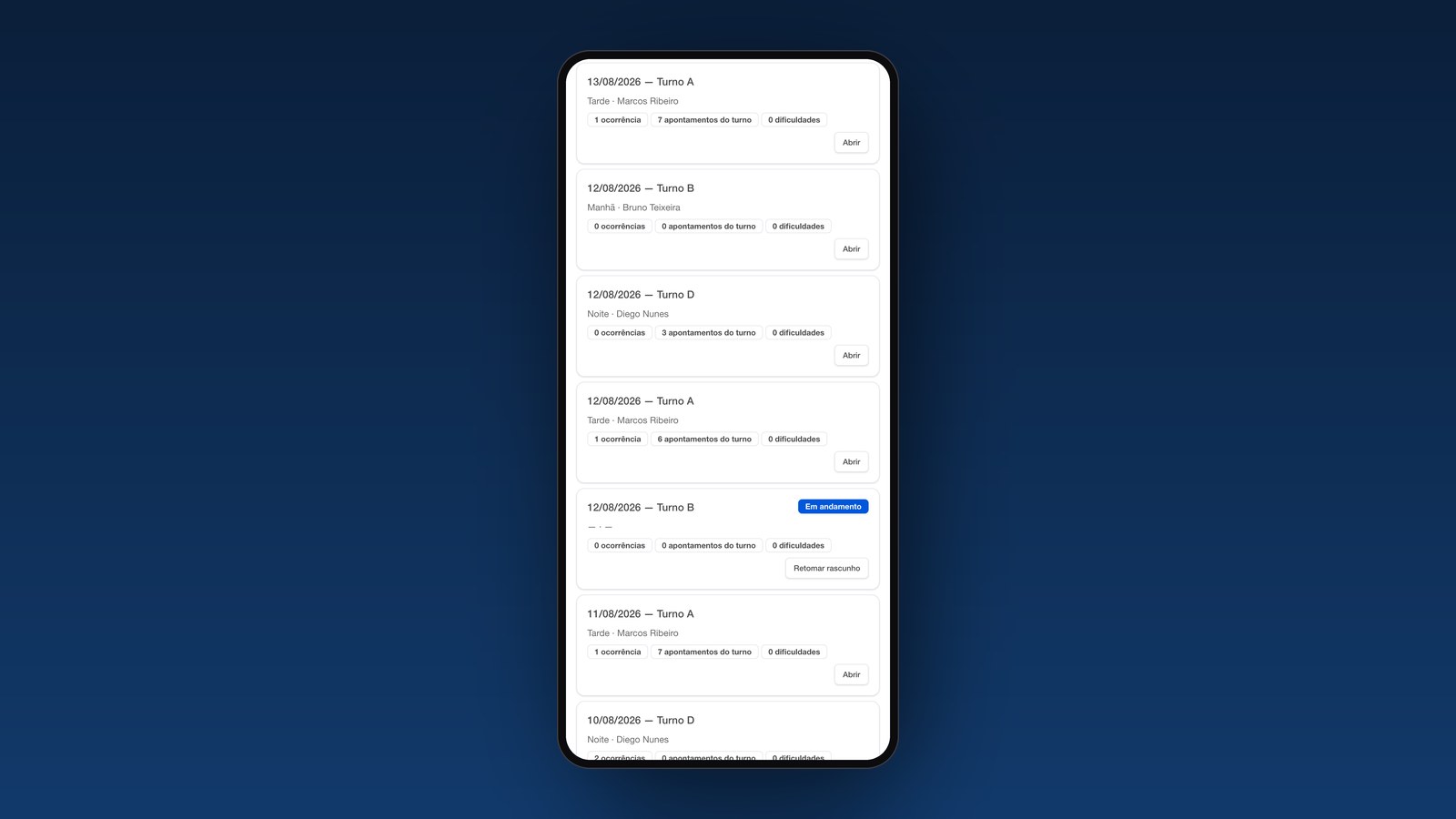
From a long-held idea to a working system in one week: Höganäs' Digital Maintenance Logbook
How Höganäs in Brazil turned a real maintenance need into a working digital proof of concept that people are already using.

I Bought a Robot. Here Is What I Am Actually Going to Do With It.
A 435 euro open-source robot is coming to my desk. Not because I need a robot, but because working from home, I could use the company.
From ChatGPT to an AI Operating System: Why Your AI Tools Aren't Producing Value
Most businesses pay for AI tools and still see no real value. The missing piece is an AI operating system: second brain, context and agents working together.
Work with us